Base64 vs Base64url: the difference that breaks JWTs
If you've read our piece on why Base64 isn't encryption, you know it's just a way to write binary data using 64 plain-text characters. What that piece skipped is a small variant that causes a surprising amount of grief: Base64url. Confuse the two and your JWTs break in ways that are annoying to debug.
The problem with plain Base64 in a URL
Standard Base64's alphabet includes three characters that misbehave on the web: +, / and =. In a URL, + can be read as a space, / is a path separator, and = means something in query strings. Drop a normal Base64 string straight into a URL or header and it can get mangled in transit, then decode on the other end into garbage.
What Base64url changes
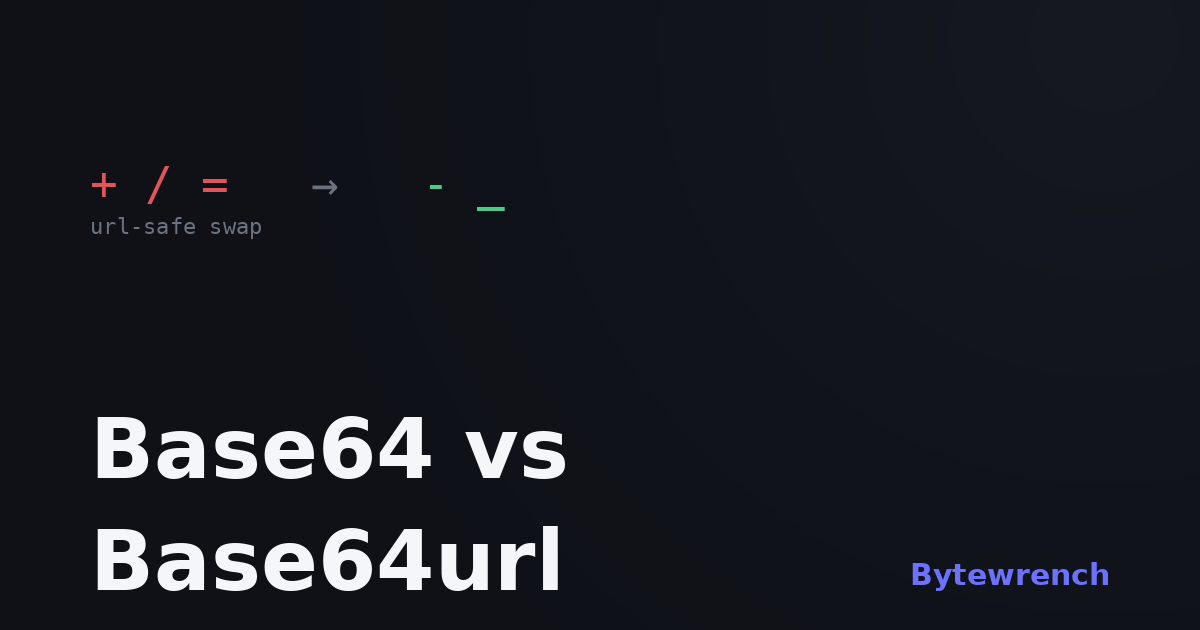
Base64url is the same idea with two tweaks. It swaps + for - and / for _, both safe in URLs, and it usually drops the = padding at the end since the length can be worked out without it. Everything else — the alphabet, the six-bits-per-character scheme — is identical. Decode a Base64url string with a Base64url-aware decoder and you get your bytes back unharmed.
Where this bites: JWTs
A JSON Web Token is three Base64url chunks joined by dots: header.payload.signature. The "url" part matters, because tokens ride around in URLs, headers and cookies — exactly the places + and / cause trouble. This is why pasting a JWT into a plain Base64 decoder sometimes fails or returns nonsense: the decoder doesn't know about the - and _ substitutions or the missing padding.
The fix is to use a decoder that understands the variant, or to translate by hand: replace - with + and _ with /, pad the length back up to a multiple of four with =, and it's regular Base64 again.
A simple rule
If the data lives in a URL, a header, a cookie or a token, assume Base64url. If it's in an email body, an XML field or a data URI, it's probably standard Base64. When a decode "almost works" but the end is corrupted, a variant mismatch is the first thing to suspect.
Our Base64 encoder and decoder handles text both ways in your browser, and the JWT decoder takes care of the Base64url details for you, splitting a token and showing the header and payload as readable JSON. Both sit alongside the rest of the encoding & decoding tools.