How to fix "Unexpected token" errors in JSON
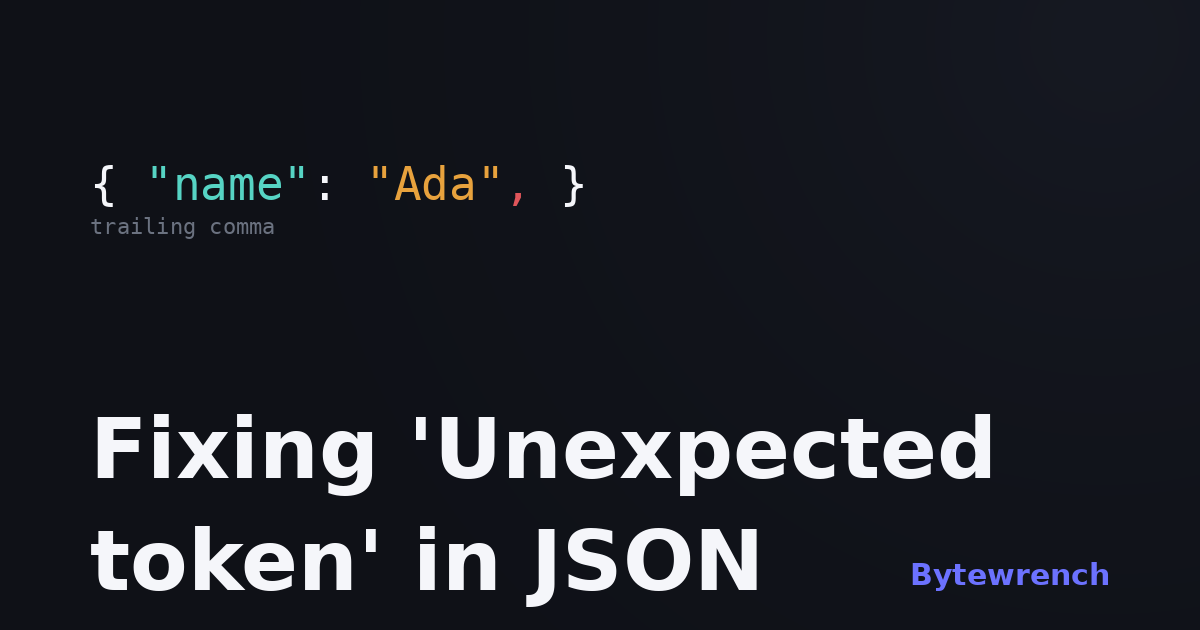
Few things eat a morning like a parser barking Unexpected token o in JSON at position 1 when, as far as you can tell, the JSON looks perfectly fine. The good news: it almost never is fine, and the cause is usually one of a short, predictable list.
The message is terse on purpose, so the first skill is learning to read it rather than panic at it.
Read the position, not just the message
Most parsers tell you where they gave up, and that's the part worth reading. "Unexpected token at position 14" or "line 3 column 5" points at the first character the parser couldn't make sense of — which is usually one character after the real mistake. A missing comma on line 2 often shows up as an "unexpected" string at the start of line 3, because that's where the parser finally noticed something was wrong.
The classic Unexpected token o in JSON is its own tell: something tried to JSON.parse a value that was already a JavaScript object. The o is the second letter of [object Object]. That isn't a JSON problem at all — you're parsing something that was never a string.
The usual culprits
Trailing commas. The single most common one. {"a": 1, "b": 2,} is valid JavaScript but invalid JSON — that last comma has to go. Same with [1, 2, 3,].
Single quotes. JSON requires double quotes on both keys and string values. {'name': 'Ada'} needs to be {"name": "Ada"}. This catches anyone copying a dict out of Python or an object out of JS.
Unquoted keys. {name: "Ada"} is fine in JavaScript and broken in JSON. Every key is a double-quoted string, no exceptions.
Comments. JSON has none. A // note or /* ... */ that's legal in your editor will stop a strict parser cold.
Python and JS literals leaking in. None, True, False and NaN aren't JSON. The JSON spellings are null, true and false, and there's no NaN at all.
Something extra at the edges. A stray character after the closing brace — a second object, a log line, or an invisible byte-order mark at the start of the file — all read as an unexpected token.
A quick triage order
When you hit one of these, work in this order: jump to the position the error gives you, look one token back for a missing or stray comma, confirm the quotes are double, and check nothing snuck in before the opening or after the closing bracket. Nine times out of ten, it's right there.
The fastest way to find it is to let a formatter point at the exact line. Paste the JSON into our JSON formatter and it flags the precise line and column where parsing breaks, with the structure laid out so a missing bracket is obvious. If you only need a yes/no with the location, the JSON validator does just that, and you'll find the rest of the set on the JSON tools page. All of it runs in your browser, so you can paste a real API response without it leaving your machine.