Cron expressions explained, with copy-paste examples
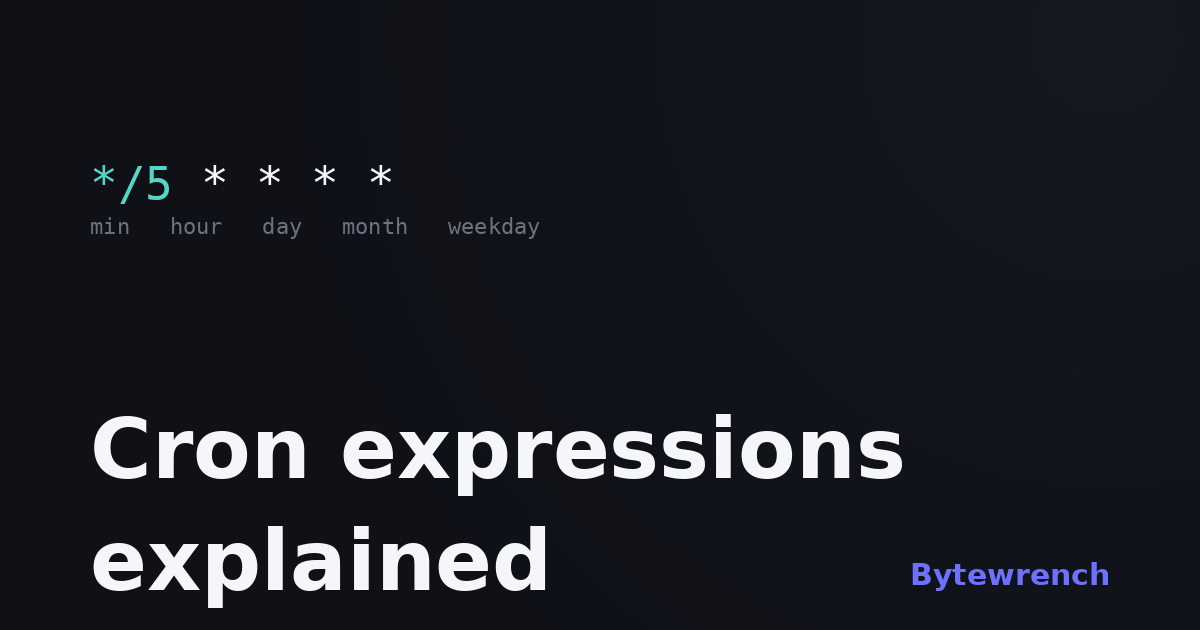
Cron syntax is one of those things you look up every single time, copy a line you half-trust, and hope it fires when you expect. Five little fields shouldn't be that intimidating — and once you see how they're laid out, they aren't.
The five fields
A standard cron expression is five fields separated by spaces, and they always come in the same order:
*  *  *  *  *
│  │  │  │  └─ day of week (0–6, Sunday = 0)
│  │  │  └─── month (1–12)
│  │  └────── day of month (1–31)
│  └───────── hour (0–23)
└──────────── minute (0–59)
An asterisk means "every" — every minute, every hour, and so on. So * * * * * runs once a minute, forever.
Reading the operators
Three symbols do most of the work. A step like */5 in the minute field means "every 5th" — minute 0, 5, 10, and so on. A list like 1,15,30 means exactly those values. A range like 1-5 in the weekday field means Monday through Friday. You can combine them: 0 9 * * 1-5 is "9:00 AM, Monday to Friday."
Examples worth keeping
A handful that cover most real needs:
*/5 * * * *    every 5 minutes
0 * * * *      every hour, on the hour
0 0 * * *      every day at midnight
0 9 * * 1-5    weekdays at 9:00 AM
0 0 1 * *      midnight on the 1st of each month
0 0 * * 0      every Sunday at midnight
The two gotchas
First, day-of-month and day-of-week are an OR, not an AND. 0 0 13 * 5 does not mean "Friday the 13th" — it means "the 13th of the month or any Friday," which fires far more often than you'd expect. Second, cron has no idea what timezone you mean. It runs in whatever zone the server or scheduler is configured for, so "midnight" can land hours away from your local midnight. Always check which clock your cron actually follows.
Rather than guess, paste an expression into our cron expression parser and it spells the schedule out in plain English and shows the next few run times. There are ready-made pages for the common ones too — every 5 minutes and daily at midnight — and more under date & time tools.